

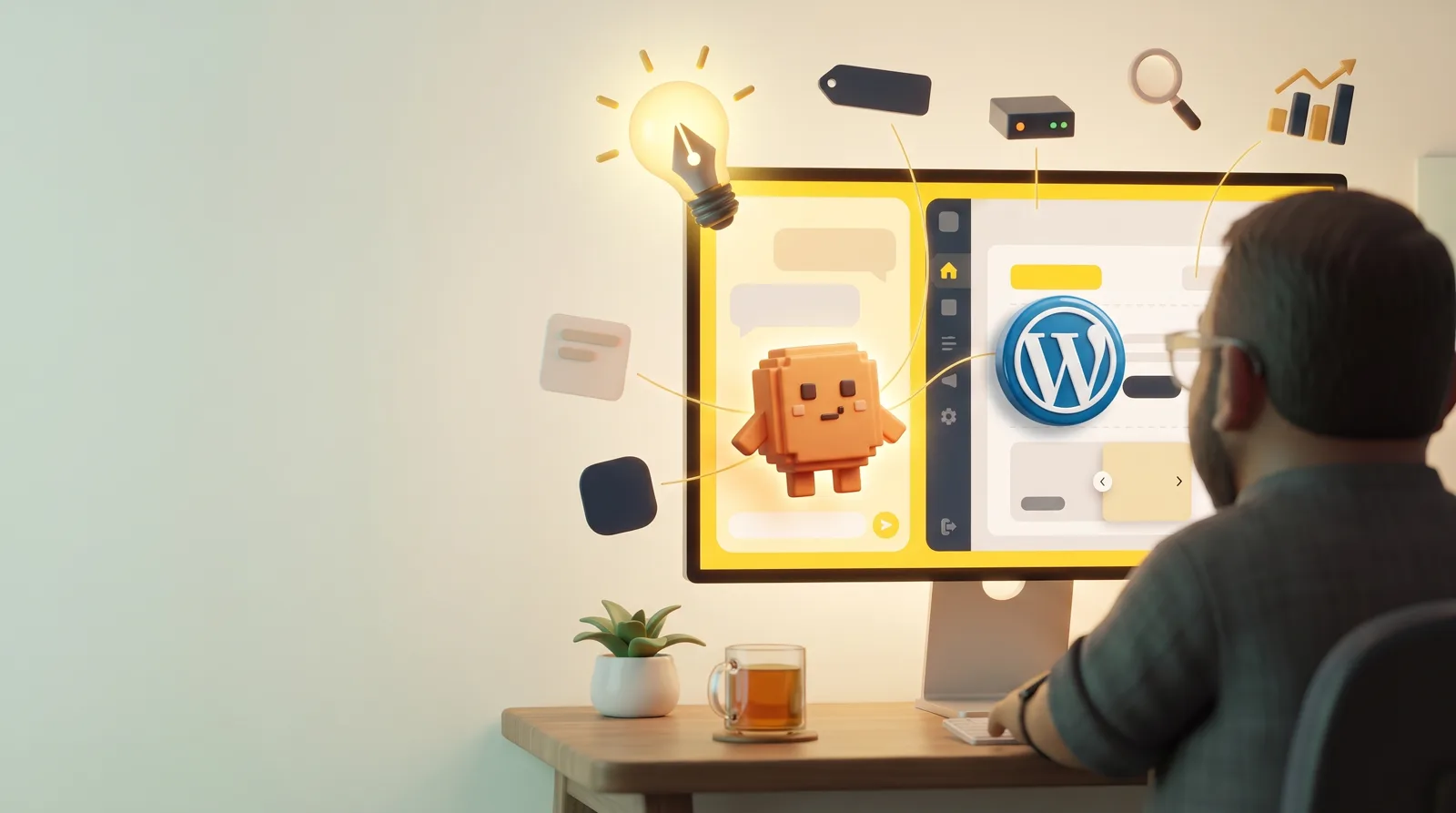
A few weeks ago I logged in to a brand new WordPress site. A white dashboard, a “Hello world!” post and a sample page nobody asked for. I stared at it for a while.
I help other people find their brand and say it clearly, and my own website was empty. I am not a developer. I cannot write a WordPress theme from scratch. But I had a Claude account, a plan and a helpful host. A short while later, goodseph.com was live.
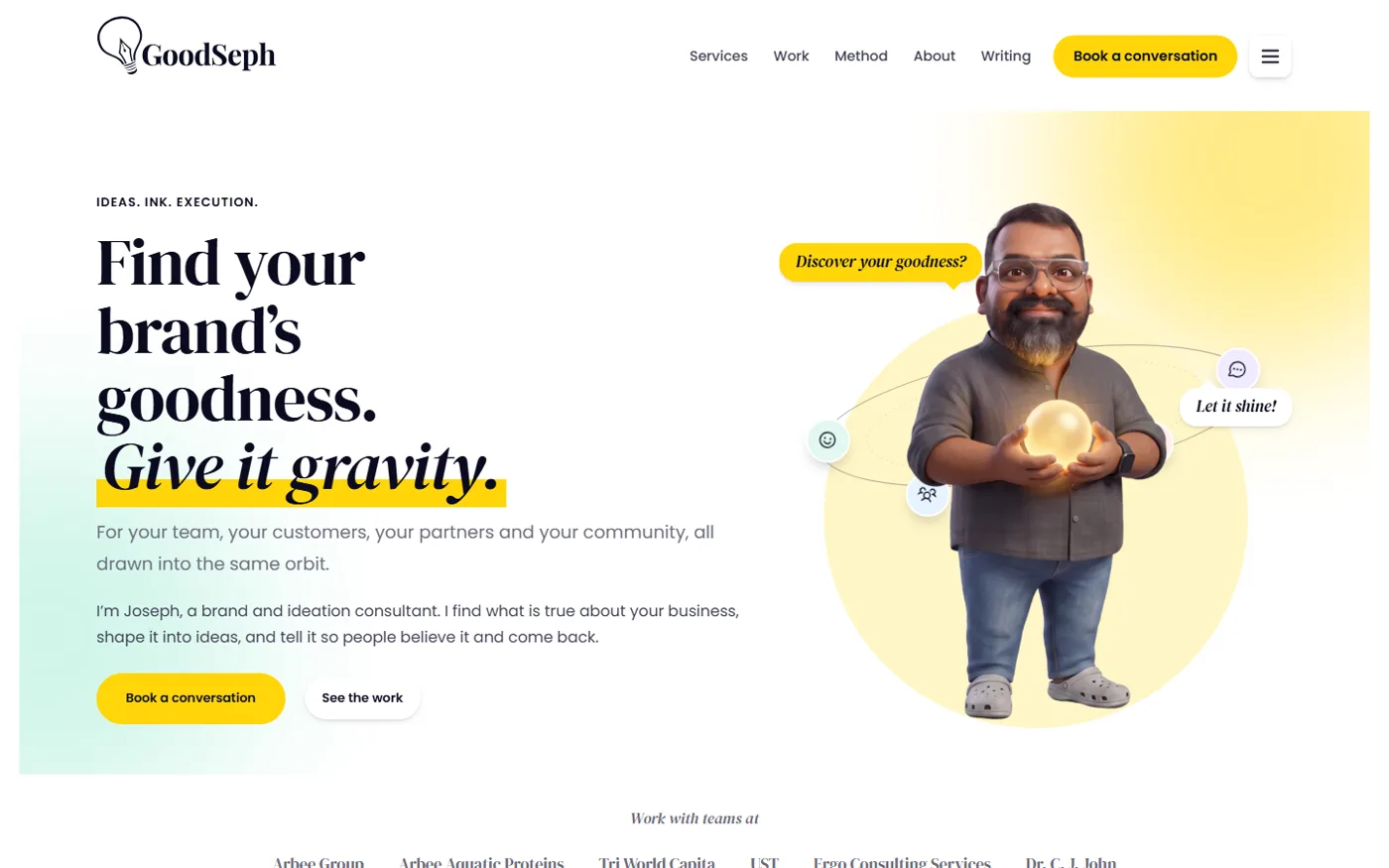
This is how I did it, in the order it happened, in case you want to build your own WordPress website with AI. It is simpler than you think. It is also not as quick as the internet makes it sound.
The building was quick. The getting ready was not
The design and the build took me a day or two. Getting ready took two to three weeks of evenings.
I wrote the words first. My headline, my method, what each service really is, which projects to show and what to say about each one. I dug out logos and photos. I saved everything as plain documents and kept changing them.
By the time I opened Claude to build anything, the thinking was done. That is the part AI cannot do for you. It can build a site in a day. It cannot tell you what your business is for.
What it cost
- Domain: around ₹1,200 a year (about $12.50), from Cloudflare. They sell at cost and do not hike the renewal.
- Hosting: ₹1,200 a year plus 18% GST, so about ₹1,416 (about $14.75). It is the Basic package at mywebhosting.in.
- Claude: the $20 a month plan.
That is roughly $47 to start, then $20 a month for as long as you keep Claude. I used a rate of about ₹96 to the dollar, so check today’s rate.
I went with a small Kerala hosting company because I knew the owner. He installed WordPress for me and gave me full access to the hosting controls, so I could run things myself. That made a real difference. You do not need to know your host personally. Hostinger, Bluehost and others do the same thing: one-click WordPress, a control panel and a way to upload a theme. Just check for a current PHP version, daily backups and support that answers.
Use the desktop version of Claude
This one is small but it matters. I used the Claude desktop app, not just the chat in a browser tab. The desktop version can work on files in a folder on your computer, run things, and open a built-in browser to look at your pages. A chat window can only talk. The desktop app can build.
Practise on your own computer first
Do not build on your live website. I ran a free copy of WordPress inside a folder on my own computer (a tool called WordPress Playground does this) and built the whole theme there first.

This is a dry run, and it is worth more than it sounds. Claude could change anything. I could look at it. If it broke, nobody saw. Only when the site looked right did I zip the theme and upload it to my real host. One theme file held the whole design, so getting the site up and running was just one upload.
Give Claude a brief, not a wish
I did not say “build me a website”. I gave it my documents, a list of rules and a lot of screenshots.
The rules mattered. No em or en dashes. Soft shadows, not black borders. Pill-shaped buttons. Do not touch the admin email. If you keep repeating your rules, Claude keeps following them, and the site starts to sound like one person wrote it.
Screenshots beat descriptions every time. “The menu pill sits too low” with a picture fixed it in one go.
I also used a few of the skills inside Claude, which are like specialist modes:
- Design taste, so the site would not look like every other AI-made site. Get it from Taste Skill on GitHub. Install:
npx skills add https://github.com/Leonxlnx/taste-skill --skill "design-taste-frontend" - Impeccable, a design toolkit. I used its critique on my pages and it spotted things my eyes had stopped seeing. Get it from impeccable.style or GitHub. Install:
npx impeccable install, then type/impeccable initin Claude. - Copywriting, for sharpening headlines and page text. Part of the free Marketing Skills collection. Install:
npx skills add coreyhaines31/marketingskills --skill copywriting -a claude-code
These commands run in a terminal and need Node installed. If that sounds like too much, paste the link into Claude and ask it to install the skill for you. Restart Claude afterwards so it picks the skills up.
And I tried things. I wanted to see rounded rectangles instead of pills. It looked wrong, so we went back in a minute. For one category colour we tried a few options before landing on a light cyan. That freedom to try something and drop it is worth the price of admission on its own.

Make your own images (and where to get them)
A website with only text and stock photos feels borrowed. I wanted mine to feel like a person lives there, so I made a character from my own photo and gave it a few poses.
You can do the same. Image generators like Gemini, Grok and ChatGPT can all make pictures for your website. A few tips from my side:
- Describe the style once and reuse it, so every picture looks like it belongs.
- If you want the same character each time, give the tool a reference photo.
- Ask for a plain or transparent background so the picture sits cleanly on your page.
- Save everything in one folder, with sensible names, and tell Claude where it is. It will size them, compress them and add proper descriptions (alt text) for you.
- Keep them reasonable in size. A heavy image slows your site down.
Why bother with SEO and analytics
A pretty website that nobody finds is a poster in a locked room. Two things fix that.
SEO is how search engines understand your site. I wrote a title and a short description for every page by hand, added a sitemap, and used a free plugin (The SEO Framework) to publish it all. It is not magic. It is just making it easy for Google to say who you are and what you do.
Analytics tells you what happens next. I connected Google Site Kit, which gives you Analytics and Search Console, and set one event called “inquiry sent”. Visitors are nice. Enquiries are the point. Without this, I would be guessing.
New sites show no data for a day or two. Do not panic. I also submitted my sitemap to Google Search Console and to Bing, which takes a minute each.
The plumbing nobody sees
- Inquiries that cannot vanish. The contact form saves every message inside WordPress first, then emails me.
- Email that arrives. WordPress mail is shaky, so I connected a proper sending service (Brevo). I pasted the key in myself. Never give a password or key to an AI. That step is yours.
- Booking. A free Cal.com calendar sits behind a “Pick a time” button.
Things that went wrong
- A hidden character broke my redirects. One invisible byte at the start of a file made the contact form misbehave. Now I check before every upload.
- The host showed old code. I uploaded a new version and nothing changed. The server was holding on to the old one. A PHP restart from the control panel, or a message to the host, fixes it. When an upload does nothing, suspect caching first.
- A fake enquiry. One came in with every service ticked. A bot. I added a timer and a few limits, and it has been quiet since.
Test it like a stranger
Open your site in a private window on your phone, fill in the form and send it. Then check that it reaches your inbox. That small test tells you more than any checklist. Do it before you tell anyone the site is live.
When my own test inquiry landed in my inbox, I was simply happy. The whole thing worked. A website I had built myself was up and running, and it was already doing real work: bringing in real enquiries.
Want your AI to guide you?
I wrote everything I learned into one detailed file, so your AI can follow the same process: the steps, the settings, the fixes for the problems above, and the safety rules (like never handing over passwords).
Download the build playbook (goodseph-build-playbook.md)
Give it to Claude or any capable assistant, add your own words and brand rules, and let it lead you through. You make the decisions. It does the typing.
A last thought
The tool was not the hard part. Knowing what the site should say, and refusing to let it say anything else, was. It is the same job whether you build a website or a brand.
But here is what really stayed with me. Some ideas do not have to stay ideas forever. With a little help from AI, they can come to life without a big budget, and without waiting for a professional or an agency to get round to them. You are not bottlenecked by anyone.
For the tinkerers, and for anyone willing to spend a little time and invest in a little learning, the prospects are phenomenal.
So take the idea you have been sitting on. It has waited long enough.
If you try it, or get stuck halfway, I would like to hear how it goes. Use the contact form and tell me where you are.

Leave a Reply